- Some countries' customs departments require a signature on the DHL Express commercial invoice.
- Follow the instructions below on how to add your signature in Starshipit.
- The signature will be added to every invoice including the one submitted via Paper Less Trade (PLT)
Setting up your digital signature
- Make a signature on a piece of paper then take a photo of it or create a digital signature.
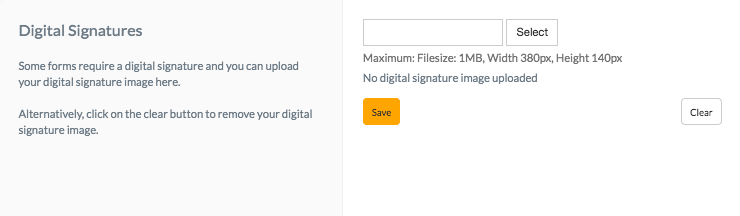
- In Starshipit, go to Settings > Digital signatures.
- Upload your signature image (Maximum: 1MB, Width 380px, Height 140px).
- Click Save.