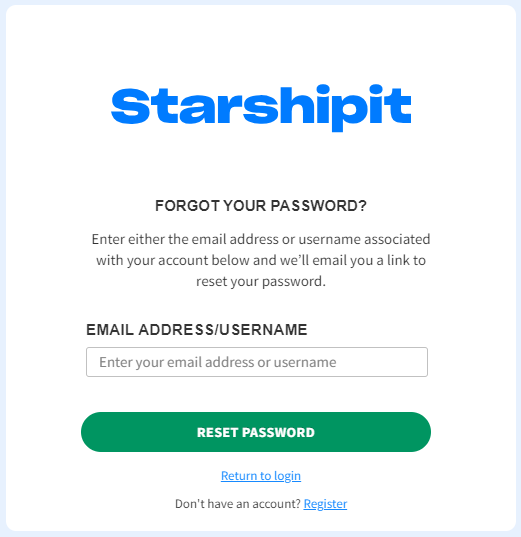
Reset your password
If you have forgotten your password or you have been locked out of your account after entering your password incorrectly, reset your password from the Starshipit login page.
- Go to the Starshipit login page.
- Click the Forgot Password? link.
- Enter the username you use to log in to Starshipit, then click Reset Password.
- Check your inbox. Once you have received your forgotten password email, click on the link in it to reset your password. If you don't receive an email, check your junk or spam folders.
- Log into Starshipit using your new password.