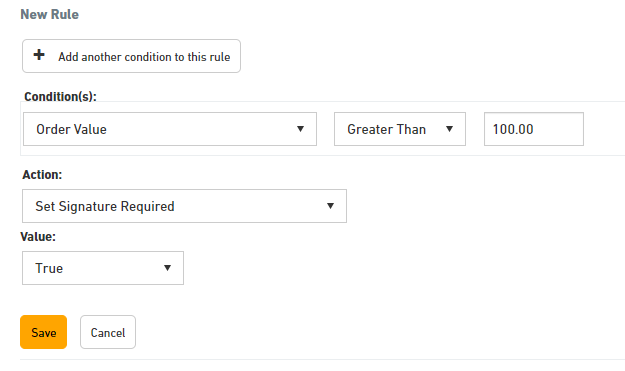
You can create rules in Starshipit based on the value of an order. For example, if you want a signature to be collected on delivery if the value of the items in the order is greater than 100 dollars, you can set up a rule to automatically enable Signature Required.
How to set up the rule
- In Starshipit, navigate to Settings > Rules.
- Select Add a new rule.
- Under Condition(s) select Order Value.
- Under Action select the action relevant to you. e.g. Set Signature Required: True.
- Click Save.