
How to get started
- Install the extension to your Chrome browser.
- Right-click on the extension icon and go to Options, or open the extension and click the Settings cog. This will take you to the settings page for the extension.
- You will need to enter your Starshipit API Key and Subscription Key. There is a link in the page that will lead you to the Starshipit API settings page. Copy these details across and save them in the extension settings page.
- You're now setup and ready to use the extension.
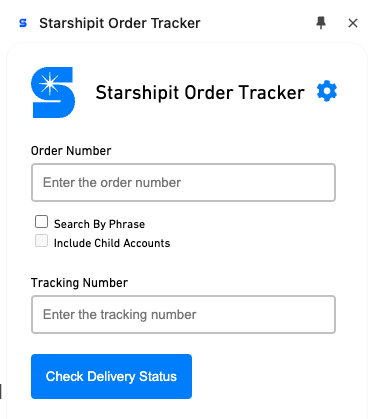
You can now look up Starshipit tracking information from any web page.
Search by phrase and include child accounts
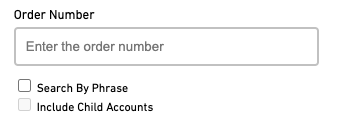
You can also search by phrase and include child accounts in your search by using the tick box beneath the Order Number field.
Supported web browsers
You can use Starshipit Chrome extensions in either Google Chrome or Microsoft Edge. To install the extensions in Microsoft Edge, simply head to the Chrome Web Store (instead of the Edge Add-ons website).