Uninstall Print Client for Windows 10
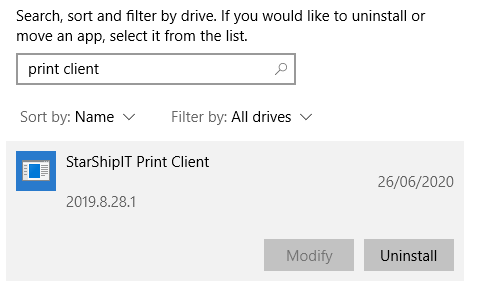
- Select the Start button, then select Settings> Apps> Apps & features.
- Search for Print Client in the list, and select it.
- Click Uninstall.
- Follow the prompts until a window pops up called Starshipit Print Client Maintenance.
- Select Remove the application from this computer, and click OK.
Uninstall Print Client for Mac
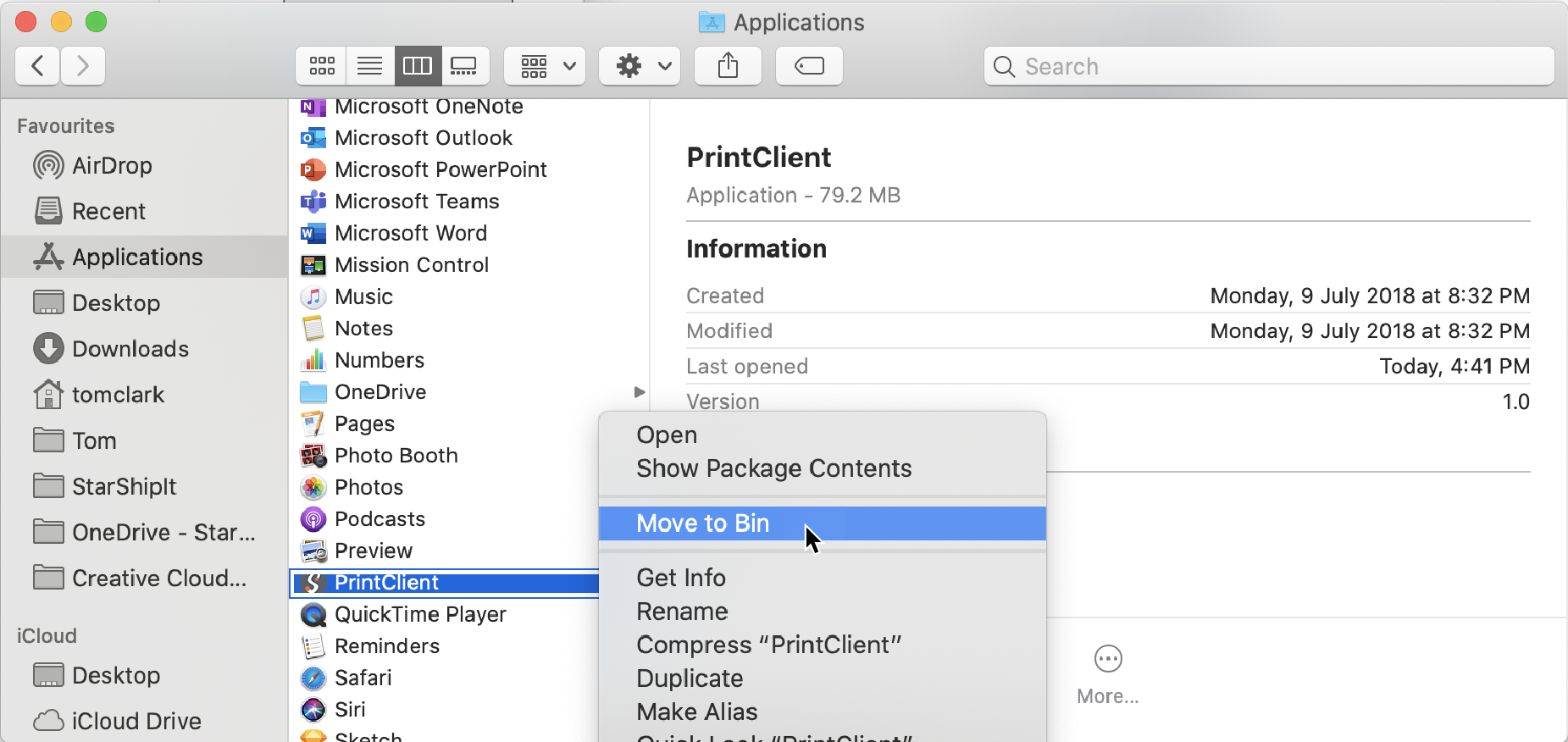
- Go the Applications folder on your Mac.
- Right-click on the Print Client.
- Select Move to bin.