How to display transit times at checkout
- Log into your Starshipit account.
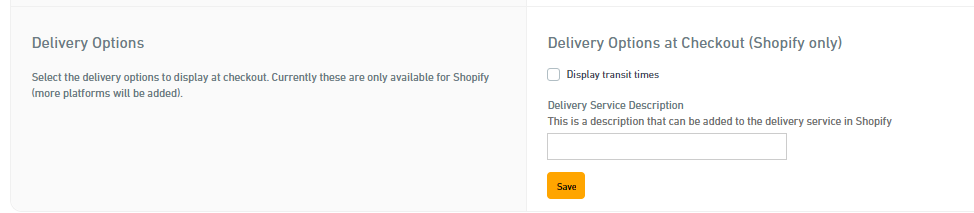
- Go to Settings > Couriers> Australia Post orDHL Express
- Select Display transit times.
- Write a description in the free text field that makes sense to you, e.g. the name of the courier provider.
- Click Save.
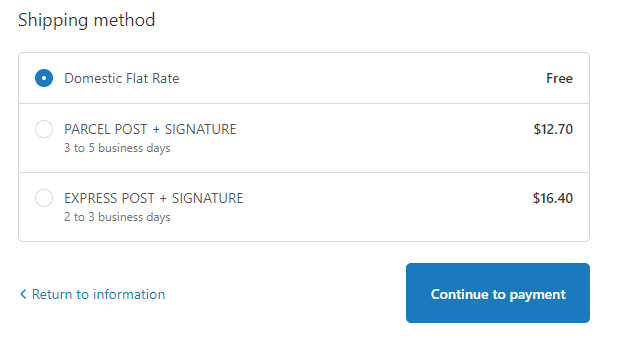
With transit times enabled, your checkout might look like this:
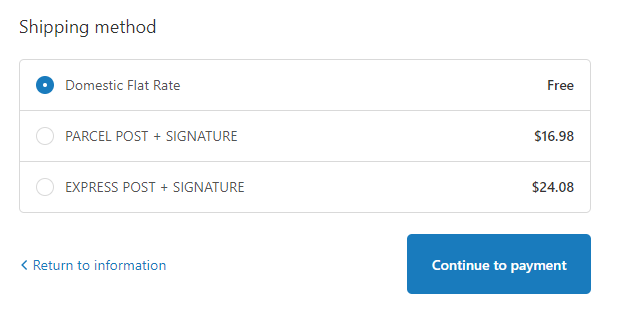
Without, it might look like this: